
You can have the best screen and sound in the world, and a bad seat will still ruin the night. Comfort is the cheapest upgrade in a home theater. This guide covers the basics: seating, blankets, temperature, light, and setting up the room so everyone can relax.
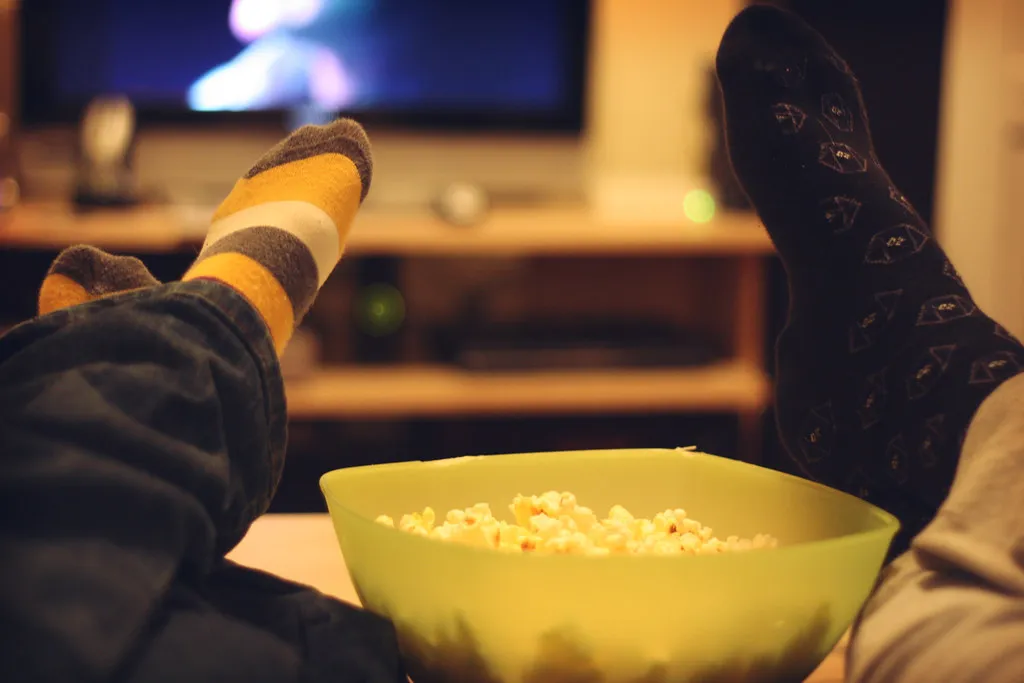
Seating layout
Arrange seating so that everyone can see the screen without craning their neck. The best seat is usually centered at a comfortable distance. Offset seats are fine, but extreme side angles distort the picture. If you have more people than seats, add floor cushions, bean bags, or an ottoman. Pillows help with back support. Keep a clear path to the door and the bathroom.
Recliners, sofas, and floor seating
- Recliners: comfortable for long films, but take up space.
- Sofas: flexible, and good for group snuggling.
- Floor cushions: inexpensive, and flexible for kids.
- Beds: fine for personal viewing, but bad for posture if you prop up for hours.
If you have back or neck trouble, support matters. Choose seats that keep your spine neutral, and take breaks.
Blankets and throws
A throw blanket makes the room feel cozy, and can help in an air-conditioned room. Choose materials you like, and check the care instructions. Brooklinen describes its Super Fluff throw as plush faux fur, per the maker. Having a basket of blankets lets guests choose. If you serve messy snacks, choose blankets that are easy to wash.
Temperature
Rooms warm up with more people and electronics. Cool the room a bit before guests arrive, and keep a fan or a window handy. If someone is cold, offer a throw. A small adjustment can make hours of difference.
Lighting
Dim the lights, but avoid total darkness for kids and for safety. Use lamps on dimmers or bias lighting behind the TV. A small light near the entry helps late arrivals. Avoid light reflecting on the screen. See how to set up a home theater.
Sound comfort
Set the volume at a level that is loud enough for dialogue, but not painful during action scenes. Some soundbars have a night mode that reduces loud peaks. See the soundbar buying guide.
Snacks and drinks
Place a small table or tray near each seat. Use lidded cups or spill-resistant containers. Offer napkins and a trash bin. Use bowls for popcorn instead of bags to avoid noise. See popcorn makers compared.
Kids and pets
Set up a comfy kid zone with pillows and blankets. Keep small items out of reach of toddlers. Keep pets calm and away from food. Check that cords are not a trip hazard.
Cleanliness
Keep wipes and a lint roller handy. Spills happen, so protect upholstery with washable throws.
Accessibility
Make sure seating is accessible for guests with mobility needs. Use subtitles for people who are hard of hearing. Keep walkways clear.
Final checklist
- Seats arranged, with a clear sightline.
- Blankets and pillows out.
- Temperature adjusted.
- Lights dimmed.
- Snacks and drinks within reach.
- Volume tested.
- Phones silenced.
Frequently asked questions
What is the cheapest comfort upgrade? Throw pillows and a few blankets. They cost less than furniture and make a big difference.
How can I keep a small room from feeling crowded? Use floor cushions that can be stacked away, and choose seating that can be moved. Keep walkways clear.
How do I keep the room from getting too hot? Start with a cooler room than usual, since bodies and electronics add heat. A fan or an open window helps, and blankets let guests warm up if they need to.
The takeaway
A comfortable room beats a fancy one. Arrange seats, add blankets, control temperature and light, and keep snacks close. See our researched top-10 list for gear with links to official pages. See also how to host a movie night and movie marathon ideas.